

Create Stunning Cinematic Portraits While Preserving Face Identity
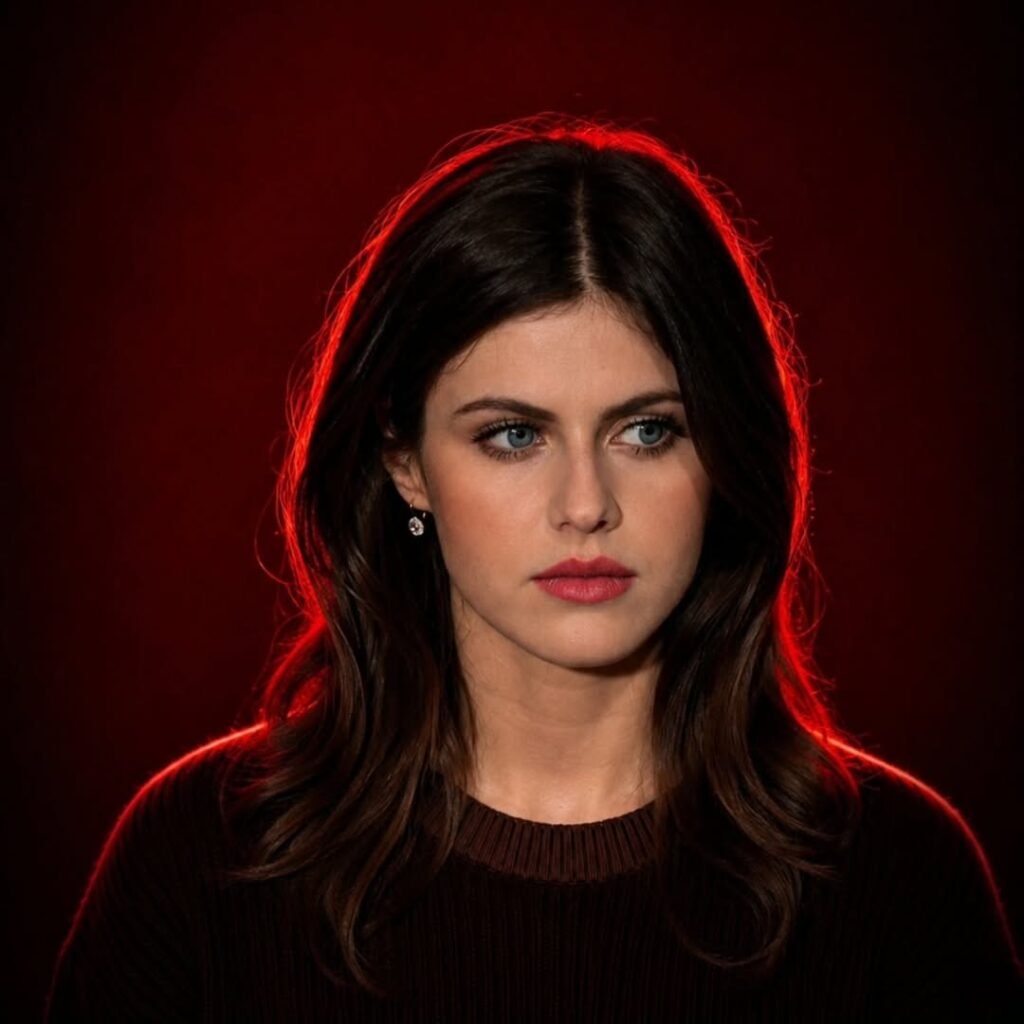
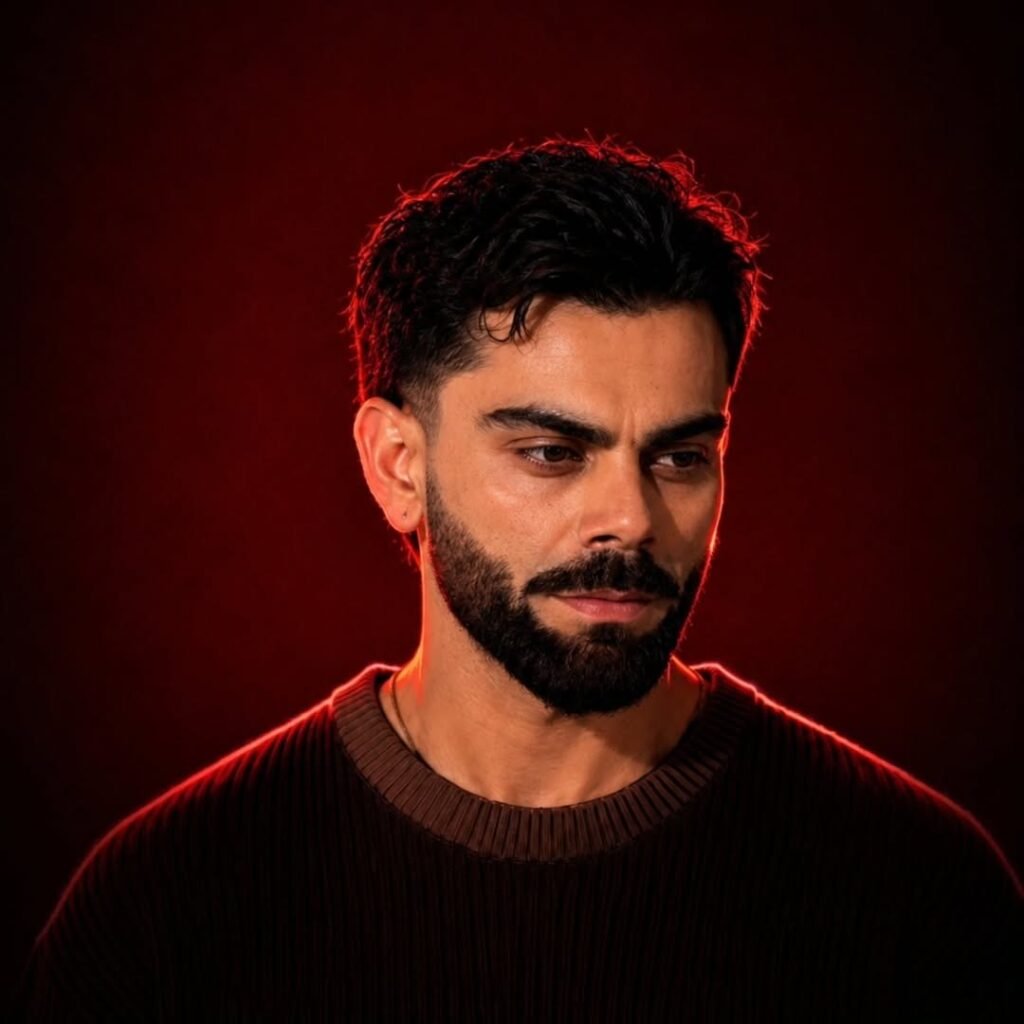
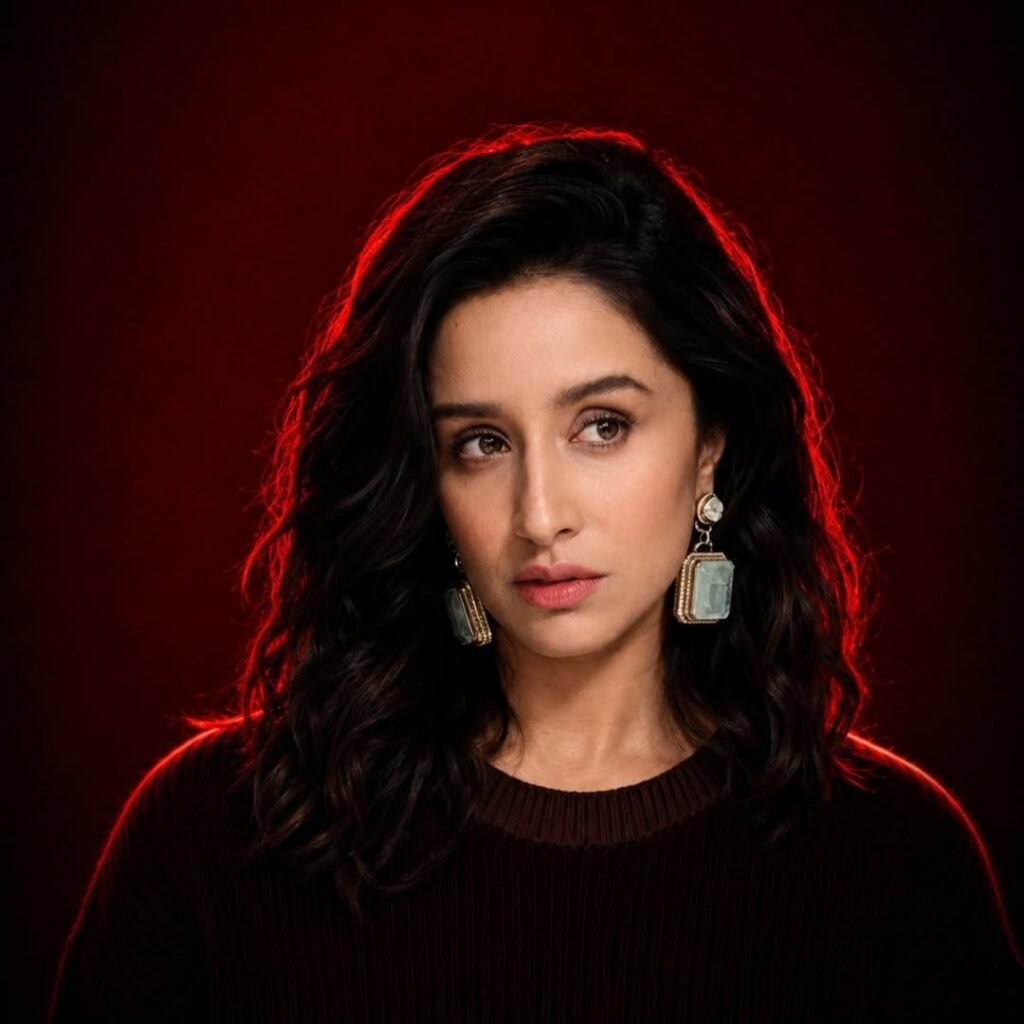
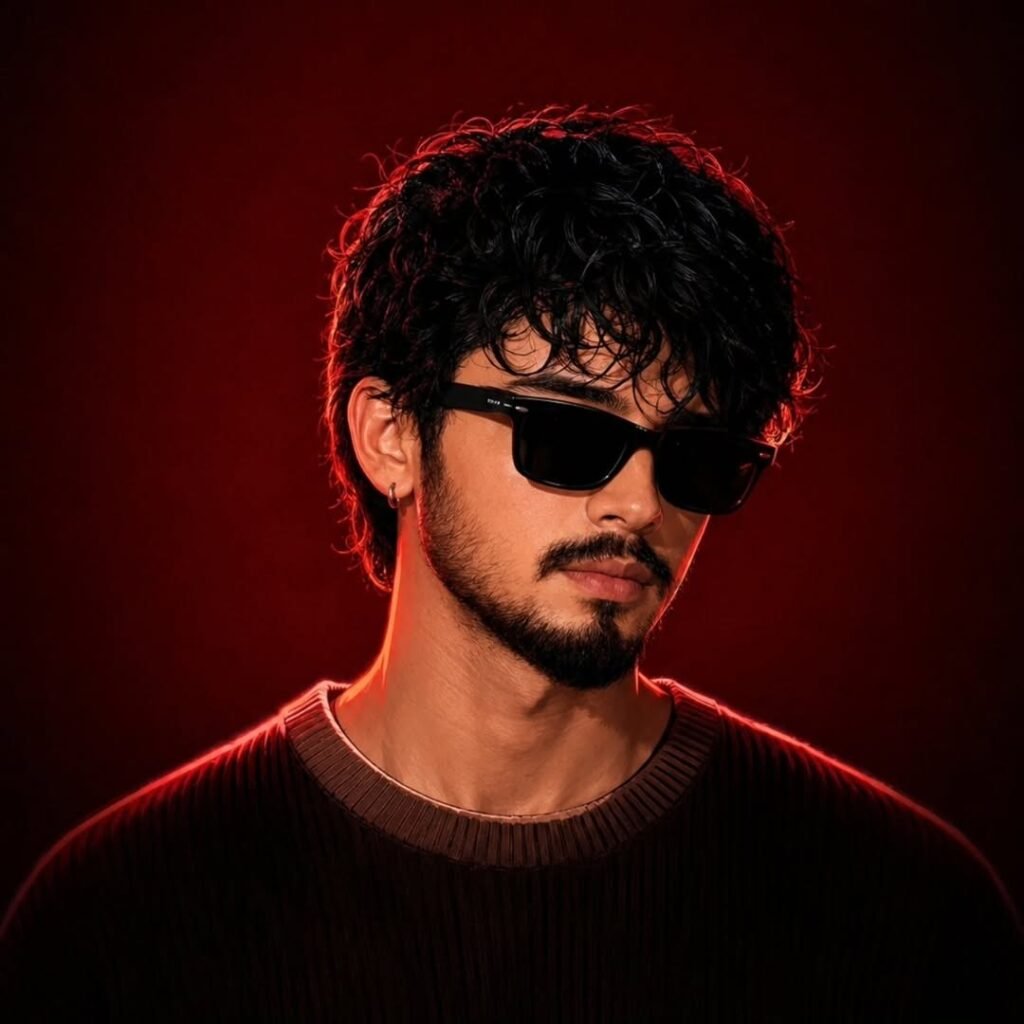
One of the biggest challenges in AI image generation is maintaining character consistency. Many AI models tend to change facial features, skin tone, age, hairstyle, or overall identity when transforming a photo into a cinematic portrait.
If you’re looking for a reliable way to create dramatic studio-quality portraits while preserving the original person’s appearance, this workflow can help you achieve more realistic and professional results.
Click to View & Copy Prompt

Why Character Consistency Matters
Character consistency ensures that the generated image still looks like the original person. This is especially important for:
- Personal portraits
- Social media branding
- Influencer content
- Professional headshots
- AI photography projects
- YouTube thumbnails
- Digital marketing creatives
Without proper identity preservation instructions, AI models may unintentionally alter facial structure, skin texture, or unique facial characteristics.
Best Settings for Realistic Results
For the best output, consider the following settings:
Image Quality
- High Resolution (4K or 8K)
- Photorealistic Mode
- Enhanced Face Detail
- Natural Skin Texture
Lighting Style
- Cinematic Studio Lighting
- Soft Key Light
- Rim Light or Back Light
- High Dynamic Range (HDR)
Composition
- Portrait Orientation
- Eye-Level Camera Angle
- Professional Studio Background
- Strong Subject Separation
Tips for Better AI Portrait Generation
1. Use a High-Quality Reference Image
The clearer the reference image, the better the AI can preserve identity and facial details.
2. Avoid Heavy Filters
Images with excessive beauty filters may reduce facial accuracy during generation.
3. Keep Facial Features Visible
Choose reference images where the face is clearly visible and well-lit.
4. Use Identity Preservation Instructions
Explicitly telling the AI to preserve facial structure, skin texture, and proportions significantly improves consistency.
5. Generate Multiple Variations
Sometimes generating multiple versions helps identify the most accurate result.
Common Problems and Solutions
Problem: Face Looks Different
Solution: Increase emphasis on identity preservation and facial structure consistency.
Problem: Skin Looks Artificial
Solution: Request natural skin texture and realistic pores.
Problem: Background Overpowers Subject
Solution: Use subtle gradients and stronger subject separation.
Problem: Eyes Look Unnatural
Solution: Specify realistic eye details and natural reflections.
Final Thoughts
Creating cinematic AI portraits no longer requires professional photography equipment. With the right prompt and a high-quality reference image, you can generate dramatic studio-style portraits while preserving facial identity and maintaining realistic character consistency.
Whether you’re a content creator, photographer, designer, or AI enthusiast, a strong identity-preserving workflow can dramatically improve your results.
Try the prompt above with your favorite AI image generator and experiment with different lighting styles, backgrounds, and compositions to create stunning professional portraits.
I was worried about the login process but it was seamless. No lag and everything worked perfectly on my mobile browser. Glad I found arena39login.
I’ve been looking for a reliable way to access my account and this site is definitely the smoothest. Super fast loading and no glitches. Highly recommend zb777login to everyone.
I’ve been playing here for a month now and the wins have been consistent. It is a great community and a fair platform. Give baj777login a try.